Free Minecraft Tools
All the free Minecraft tools you need in one place. Grab any player's skin, design custom banners, build server MOTDs, find the right color codes, convert Nether coordinates, and plenty more. Everything works right in your browser. No installs, no signups.
Our Free Tools For Minecraft
Minecraft Tools for Players and Creators
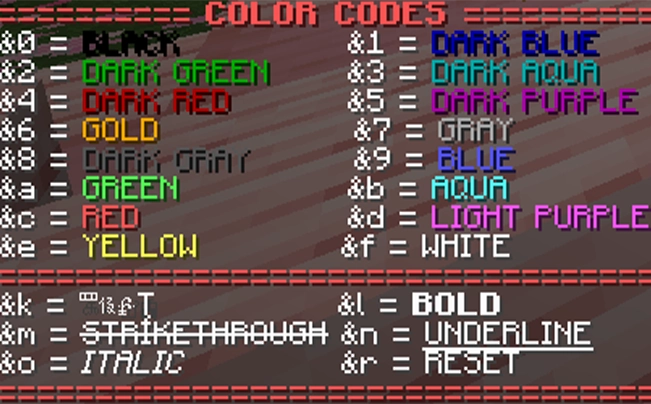
Whether you want to grab a friend's skin, design a custom banner for your base, or finally remember the right color code for your chat messages, our free Minecraft tools cover the most common player tasks. The Skin Grabberpulls any player's current Minecraft skin straight from Mojang's servers as a downloadable PNG. Our Color Codes reference gives you every § and & code with a live preview for chat, signs, books, and MOTDs. The the Coordinate Calculator converts between Overworld and Nether coordinates in one step.
Free Minecraft Server Tools
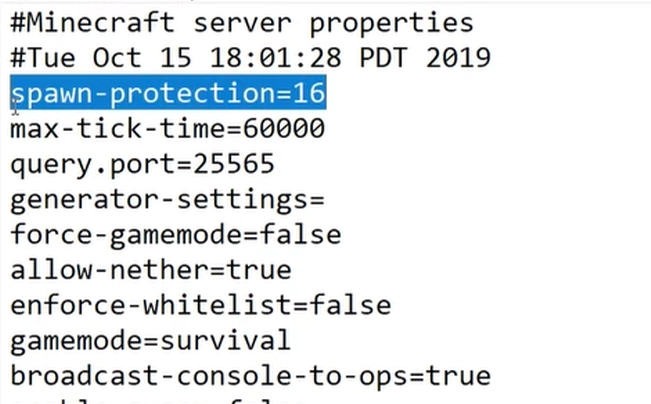
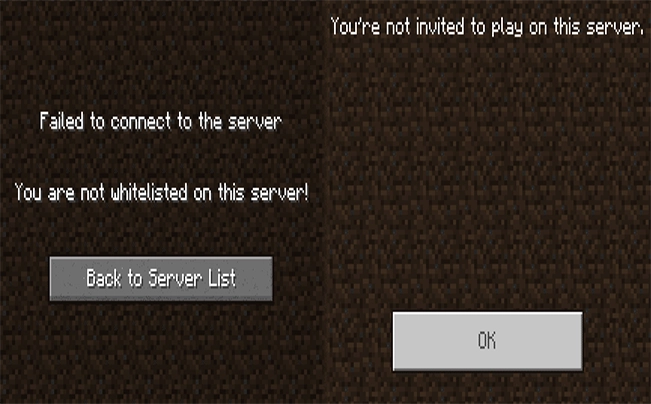
Running a Minecraft server eats up time on setup tasks most players never see. Our server-focused tools cut that work down to a few clicks. Use the MOTD Generator to design your server's welcome message with custom colors and formatting, then copy it straight into your server.properties file. The Server Properties Creator walks you through a guided form to build a complete, valid server.properties from scratch, so you don't have to dig through wiki pages for the right values. The Whitelist Creator takes a list of usernames and outputs a properly formatted whitelist.json file you can drop into your server folder. And the Server Icon Converter turns any image into the 64×64 PNG that Minecraft accepts as a server icon, with crop and resize controls built in.
Works for Minecraft Java and Bedrock Edition
Most of the tools on this site work for both Minecraft Java Edition and Bedrock Edition, including Pocket Edition (MCPE). The skin format, color codes, and most server configuration values are shared across editions, so the same generator output works whether you're on PC, console, or mobile. A few features are edition-specific because the underlying game files differ. Java has more customization options for things like server.properties, while Bedrock handles some commands differently. Each tool's page explains what works on which version. Everything here runs entirely in your browser, with nothing to install, no account to create, no usage limits, and no premium tier. New tools are added regularly based on what the community asks for, so check back if there's something missing you'd like to see.
Frequently Asked Questions
What are Minecraft Tools?
Minecraft Tools are free web-based utilities that help players, server owners, and content creators do things faster than they could in the game alone. That includes generators (like custom server MOTDs, banners, and server icons), calculators (for coordinates), reference tools (like color codes), and server configuration helpers. Everything runs in your browser — no mods, no plugins, no install.
Are all the tools on this site free?
Yes, every tool on mcmcpe.tools is completely free to use, with no paywalls, no premium tier, and no usage limits. You don't need to sign up or create an account either.
Do I need to download anything or create an account?
No. All tools run directly in your browser, so there's nothing to install and no account to create. Open the tool, use it, you're done.
Do these tools work for Minecraft Java and Bedrock Edition?
Yes — most of our tools work across both Java Edition and Bedrock Edition (including Pocket Edition / MCPE). A few features are edition-specific because the underlying game files differ (Java has more customisation for things like server.properties), and where that's the case, the tool's own page explains what works on which version.
How do I create a custom server MOTD?
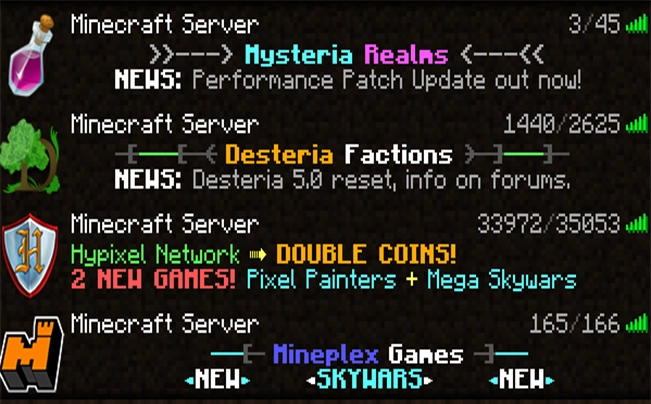
Use our MOTD Generator to design your server's message of the day with custom colors, formatting, and special characters. Type your message, pick your color codes and styles from the live preview, and copy the result into the motd= line of your server.properties file. Works for both Java and Bedrock servers.
What are Minecraft color codes and how do I use them?
Minecraft color codes are short character sequences (like §a or &a) that change the color or formatting of in-game text — chat messages, signs, books, server MOTDs, and more. Our Color Codes reference lists every code with a live preview. Copy the code you want and paste it wherever colored text is supported.
Are these tools safe and affiliated with Mojang?
All tools on this site are safe to use and process your input either locally in your browser or through public Mojang APIs. We are not affiliated with, endorsed by, or in any way officially connected to Mojang Studios or Microsoft. "Minecraft" is a trademark of Mojang Synergies AB.
Changelog
- NewSite launched with Skin Stealer, Color Codes, Coordinate Calculator, and MOTD Generator.
- NewServer Properties Creator — configure all 68 properties with inline descriptions and download server.properties.
- NewWhitelist Creator — add players by username, auto-fetch UUIDs from Mojang, and download whitelist.json.
- NewServer Icon Converter — upload any image, crop or resize it to 64×64, and download server-icon.png.
- NewServer Properties Creator supports importing an existing file to pre-fill all fields.